mirror of
https://github.com/lissy93/networking-toolbox.git
synced 2026-11-20 21:23:10 +03:00

2.5 KiB
2.5 KiB
Theming System
It's easy to customize the UI to theme Networking Toolbox according to your preferences.
Head over to the /settings page to select one of the 8 built-in themes, or create your own.
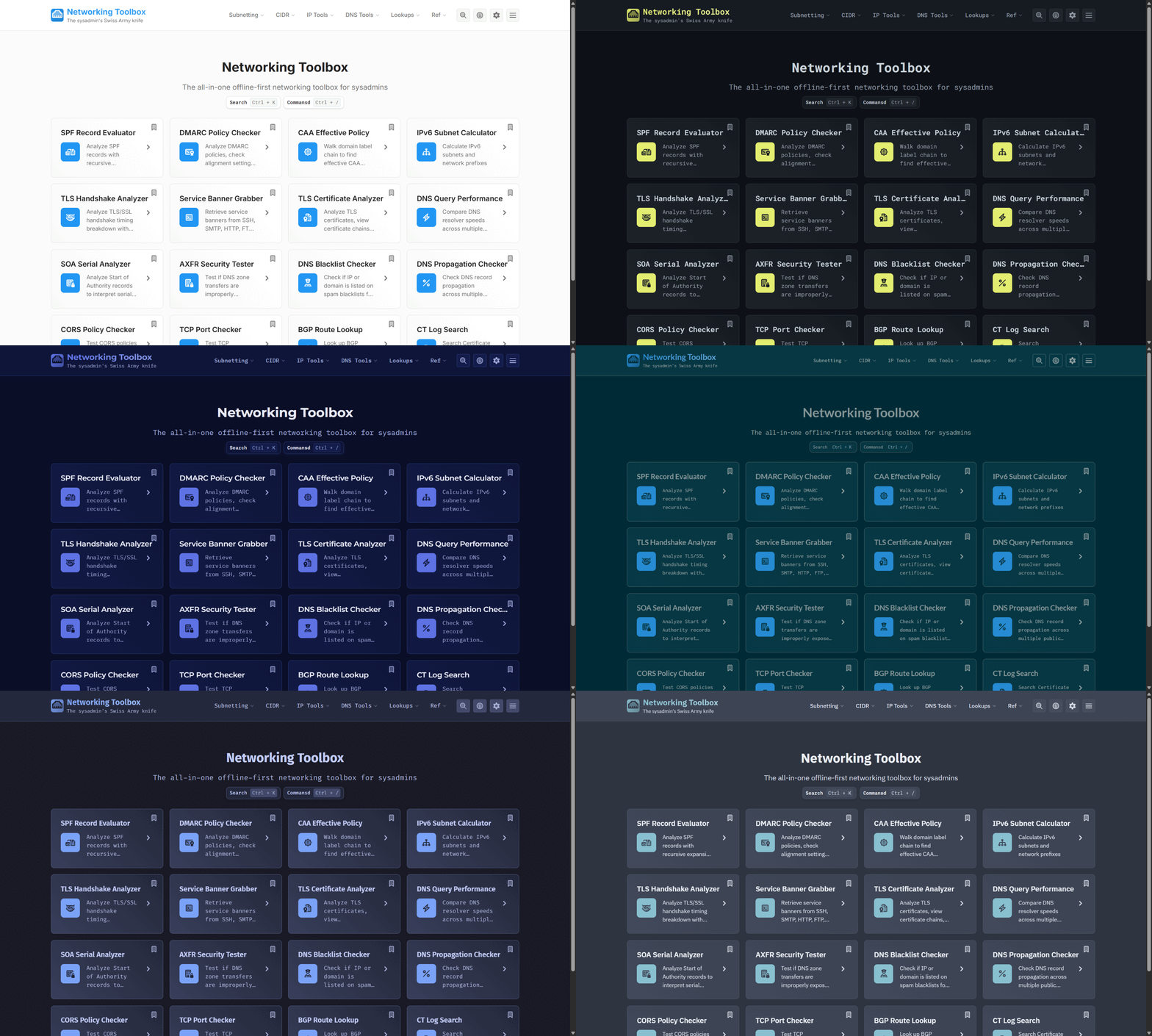
Editing Themes
Themes are basically just CSS variables. You can view the default variables and values in variables.scss, or view/add theme-specific values in themes.scss.
Adding New Themes
- Add your CSS variables to
themes.scss - Add your theme to
theme-list.ts - Rebuild the app, then Ctrl + , to open the settings and select your new theme!
Example Theme Styles
.theme-purple,
html[data-theme='purple'] {
  --color-primary: #cca6ff;
  --color-primary-hover: color-mix(in srgb, var(--color-primary) 70%, white 30%);
  --color-primary-dark: color-mix(in srgb, var(--color-primary) 70%, black 30%);
  --bg-primary: #13182b;
  --bg-secondary: #101b31;
  --bg-tertiary: #222e45;
  --text-secondary: #a0a7b0;
  --surface-hover: #2b384b;
  --border-primary: #30405b;
  --font-body: 'Poppins', sans-serif;
  --font-heading: 'Lora', 'Poppins', sans-serif;
}
Example Theme Registration
{
  id: 'mytheme',
  name: 'My Theme',
  available: true,
  font: {
    name: 'Custom Font',
    url: 'https://fonts.googleapis.com/css2?family=Custom+Font',
    fallback: 'sans-serif'
  }
}
Theme Logic
The theme system uses a Svelte store located in theme.ts to manage themes. This store handles:
- Detecting user's system theme preference
- Getting, setting and changing themes
- Persisting the theme choice in
localStorage - Loading custom fonts for themes that require them
import { theme } from '$lib/stores/theme';

// Set a theme
theme.setTheme('cyberpunk');

// Toggle between light/dark
theme.toggle();

// Check current theme
theme.subscribe(currentTheme => {
  console.log('Current theme:', currentTheme);
});